Download Unlimited Player APK – free, multimedia player, streaming apps, video-on-demand, VOD, media files, music, movies, TV shows, streaming service, Netflix, Amazon Prime Video, cable channels, program schedule, no ads, easy-to-use, small installer, consolidated streaming
Overview
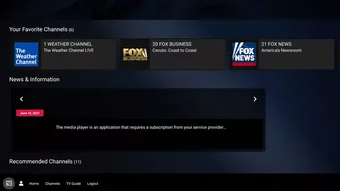
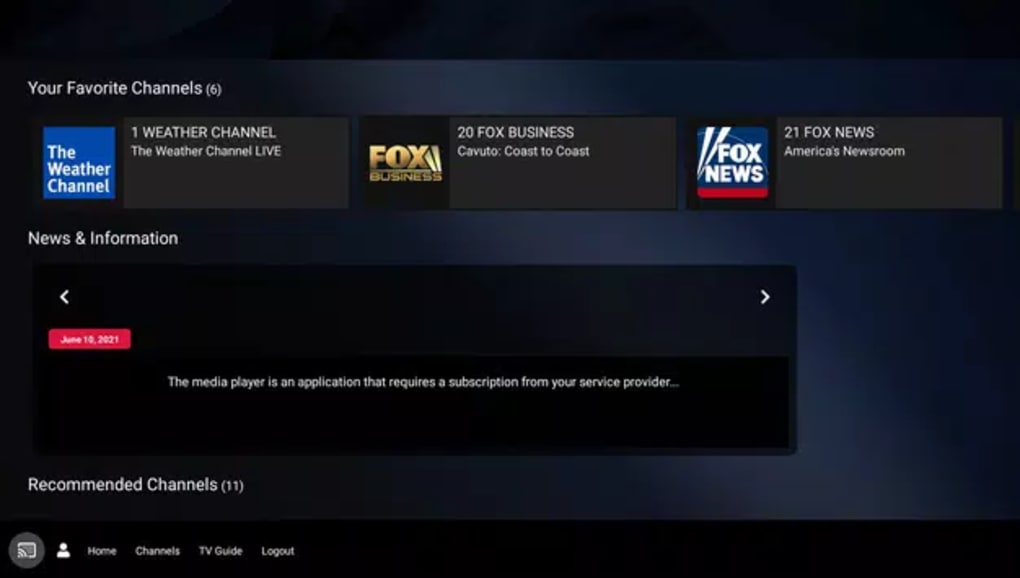
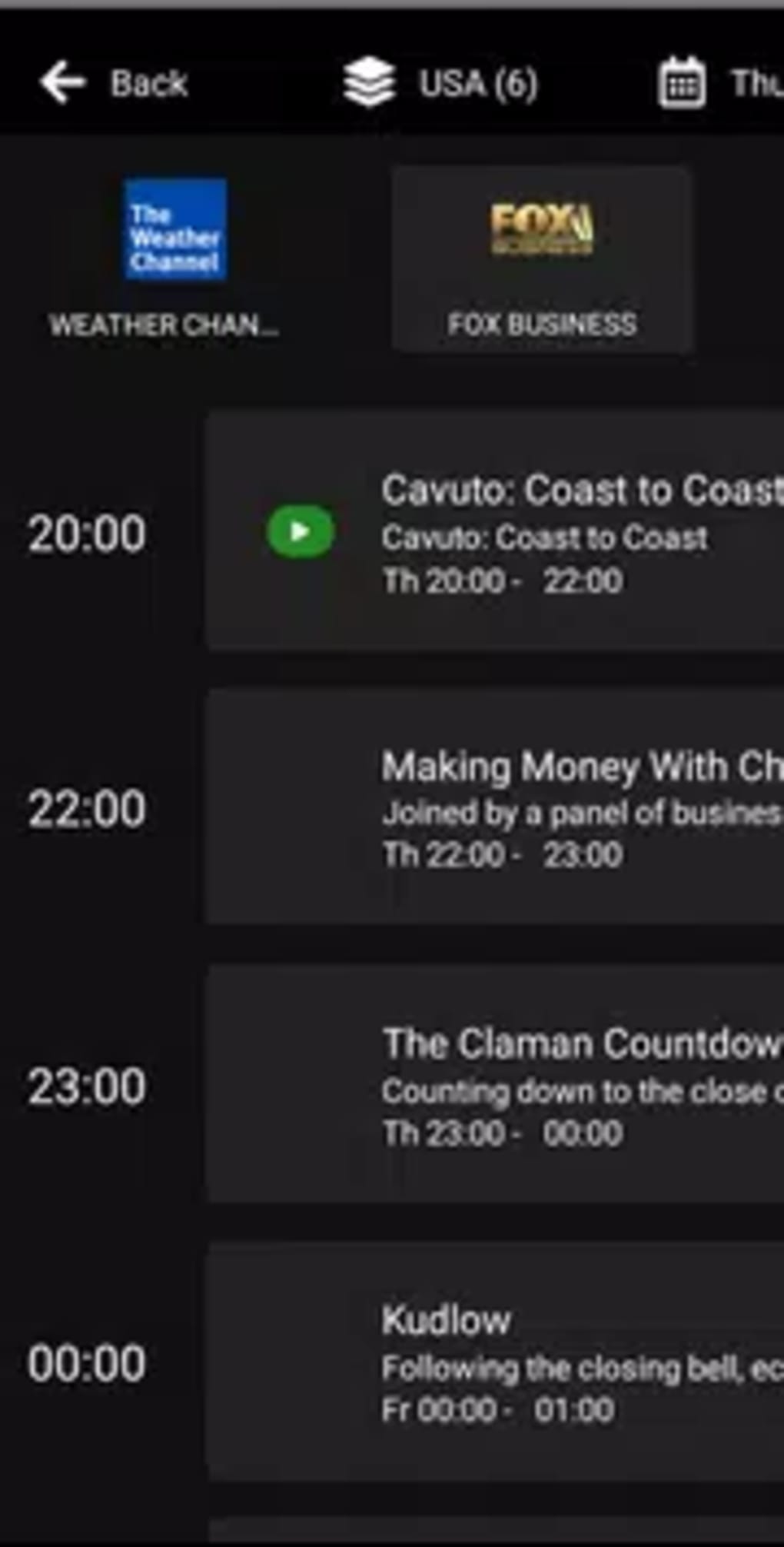
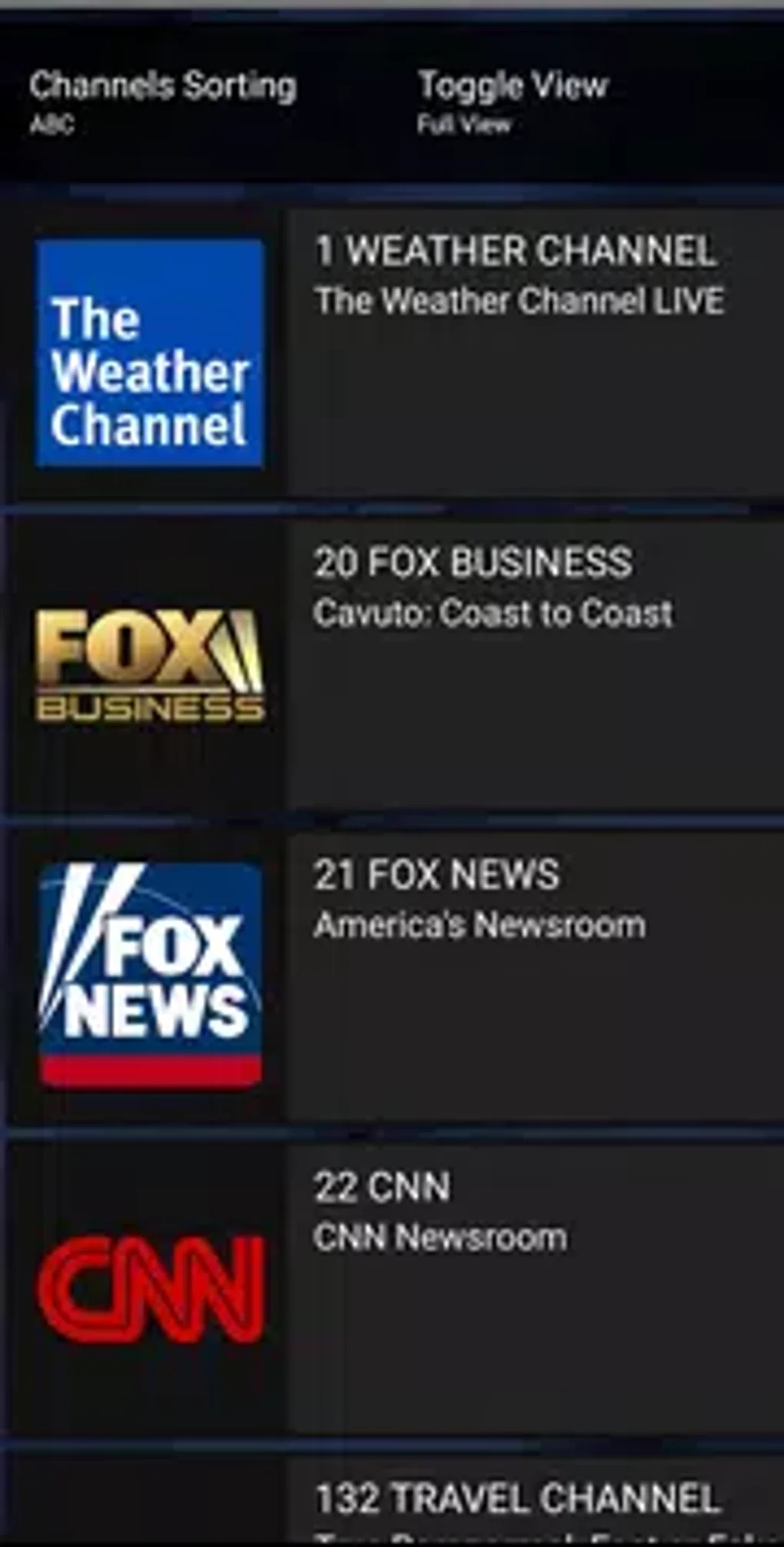
Unlimited Player is a free-to-use multimedia player designed for Android devices, offering users a centralized interface to access and manage various media files. The software enables seamless playback of music, videos, and TV shows from multiple streaming platforms, including Netflix and Amazon Prime Video. It functions as a unified dashboard, consolidating subscriptions into a single application, thereby reducing the need to switch between separate apps. The app does not host its own content library; instead, it serves as a wrapper that integrates with existing streaming services and cable channels. This approach allows users to enjoy a streamlined viewing experience without the hassle of managing multiple applications. Ideal for consumers seeking convenience and efficiency, Unlimited Player is particularly useful for households or individuals with multiple subscriptions. Its primary purpose is to simplify media consumption by organizing content based on genre—such as News & Information, Sports, or Movies—and displaying supported channels in a taskbar layout. The app also includes a built-in program schedule, helping users track airing times for live programming. While it does not provide original content, it enhances accessibility and usability across existing platforms. The developer did not provide additional background information.Key Features & Capabilities
- Consolidated Streaming Interface – Unlimited Player allows users to access all their subscribed streaming services—such as Netflix, Amazon Prime Video, and cable channels—from one unified platform, eliminating the need to open multiple apps.
- Genre-Based Content Organization – Media is sorted by category, including News & Information, Sports, and Movies, enabling users to quickly locate desired content without navigating through multiple menus.
- Program Schedule Integration – The app features a built-in program schedule, providing users with real-time airing times for supported live TV shows and events, enhancing planning and viewing consistency.
- Unified Playback Controls – Standard playback functions such as play, pause, volume control, and screen mode toggling (full screen vs. regular display) are available across all integrated services, ensuring a consistent user experience.
- Subscription-Driven Access – Since the app does not host content, access to media is contingent upon existing subscriptions. It acts as a facilitator rather than a content provider.
- Minimal Ad Interference – The software itself contains no advertisements. Users only encounter ads from their respective streaming services, preserving a clean and uninterrupted viewing environment.
User Interface, Workflow & Performance
The user interface of Unlimited Player is structured around a clean, taskbar-based layout that displays supported streaming services and cable channels. Navigation is intuitive, with content grouped by genre and accessible through a simple tap. The app maintains a consistent visual language across integrated platforms, ensuring familiarity regardless of the source. Workflow efficiency is enhanced by the centralized control system, allowing users to manage playback, volume, and display settings uniformly. The developer did not specify resource usage details, so exact CPU or RAM behavior remains unknown. However, the small installer size of 31 MB suggests a lightweight footprint, which may contribute to efficient performance on mid-range Android devices. Stability observations are based on general software behavior patterns. The app does not display intrusive pop-ups or in-app advertisements beyond those from third-party services. Users can expect a smooth experience when accessing content through supported platforms, provided the underlying services are functioning properly.Compatibility & System Requirements
Unlimited Player is designed for Android devices and is available in version 1.0. The installation size is 31 MB, indicating a compact footprint suitable for devices with limited storage. The developer did not provide additional system requirements. Compatibility information was partially provided, and no specific hardware or Android version details were listed. Users should ensure their device supports the required streaming services to access content. The app may not function optimally on older Android versions without updates. The developer did not specify whether it supports tablets, wearables, or other Android-based devices.Pros and Cons
Pros
- Free-to-use with no in-app advertisements
- Small installer size (31 MB) for efficient storage use
- Consolidates multiple streaming services into one interface
- Organized layout with genre-based content sorting
- Includes a program schedule for live TV events
- Unified playback controls across all integrated platforms
Cons
- Does not provide its own content library; requires existing subscriptions
- No official information on minimum Android version or hardware requirements
- Dependent on third-party service availability and stability
- May not support all streaming platforms or cable channels
- Performance details and resource usage were not specified
FAQ Section
Is Unlimited Player free to download and use?
Yes, Unlimited Player is available at no cost. The app does not charge users for access or functionality.
Does the app support Netflix and Amazon Prime Video?
Yes, the app is designed to integrate with popular streaming services, including Netflix and Amazon Prime Video, allowing users to access content from these platforms within a single interface.
Can I use Unlimited Player without a subscription?
While the app itself is free, access to media content requires active subscriptions to the respective streaming services. The app does not host its own content.
Is the app safe to download and install?
Unlimited Player is a free Android application with no reported malicious behavior. It does not include ads beyond those from third-party services. Users should download from trusted sources to ensure safety.
Does the app require an internet connection?
Yes, an active internet connection is required to stream content from external platforms. The app functions as a gateway and does not store media files locally.





.png)

